Why Agencies Prefer BlinkSpeed Over Traditional Cache Plugins
Why Agencies Choose BlinkSpeed Over Traditional Cache Plugins
Quick Answer: BlinkSpeed for agencies is an all-in-one WordPress caching and optimization plugin built to replace the manual, per-site setup that traditional cache plugins require. Use it once you’re managing more than 5 client sites and reconfiguring the same settings repeatedly starts costing real hours. Stick with a traditional plugin if you manage 1 or […]

Read More…

How to Test BlinkSpeed Settings Before Going Live

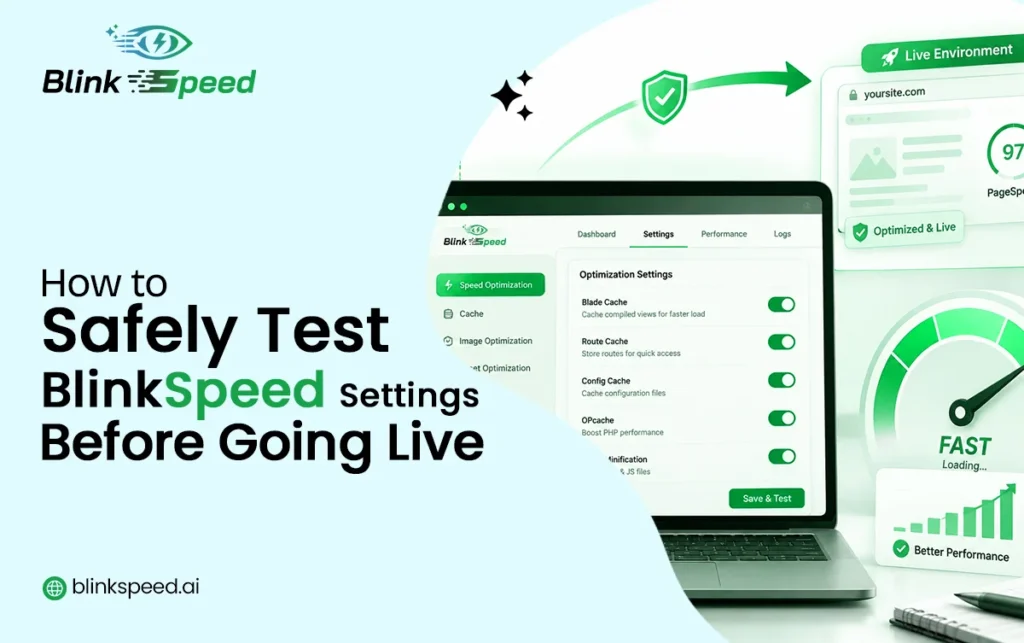
Test BlinkSpeed Settings

Making your WordPress site faster is exciting, but pushing untested performance changes directly to a live site is a gamble that can break layouts, slow down pages, or even take your site offline. A disciplined speed optimization workflow protects your visitors and your rankings while still letting you squeeze every millisecond out of BlinkSpeed’s powerful […]

Read More…

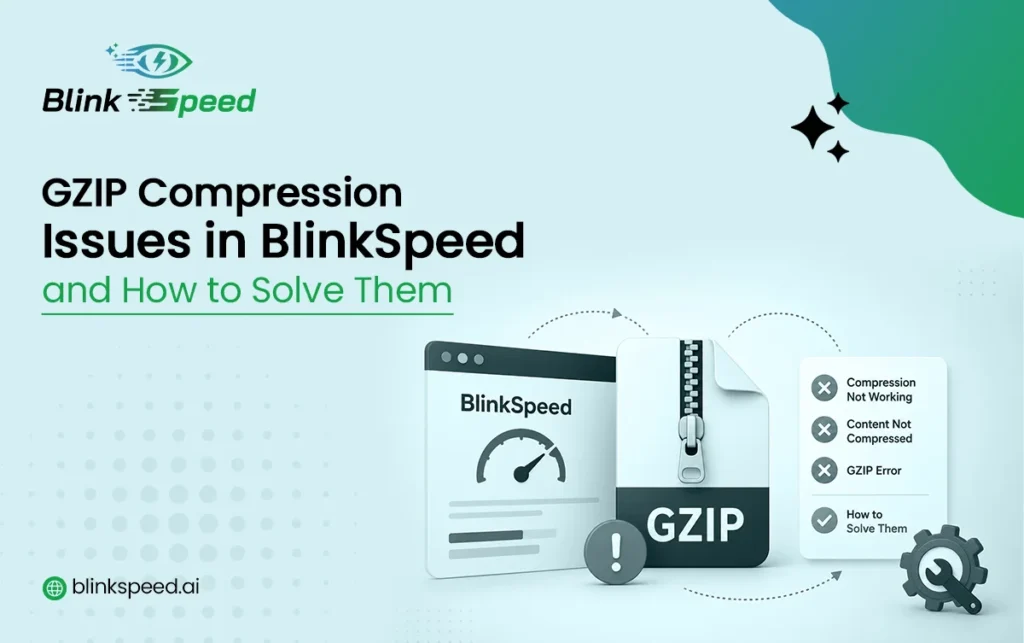
How to Diagnose and Fix Every BlinkSpeed GZIP Issue

How to Diagnose and Fix Every BlinkSpeed GZIP Issue

GZIP compression is one of the easiest performance wins available for any WordPress site. It compresses your HTML, CSS, and JavaScript files before they travel across the network, reducing transfer size by 60–80% on text-based assets, with almost no computational cost for modern servers and browsers. Enabling it in BlinkSpeed takes a single toggle – […]

Read More…

BlinkSpeed Browser Cache Issue? Here’s the Complete Setup Guide to Fix It

BlinkSpeed Browser Cache Issue? Here's the Complete Setup Guide to Fix It

Stop losing speed scores to a caching problem that takes minutes to resolve. Here is everything you need. Every second counts when a visitor lands on your WordPress site. Browser caching is supposed to make return visits feel like instant loading assets from local memory instead of making the visitor’s browser download the same CSS, […]

Read More…

BlinkSpeed Critical CSS Issue: Why It’s Not Generating and How to Fix It Completely

BlinkSpeed Critical CSS Issue: Why It's Not Generate & How to Fix

If you’ve enabled Critical CSS in BlinkSpeed and nothing seems to be happening, no improvement in render times, no critical CSS files in your cache folder, or the feature appears stuck you’re not alone. This is one of the most common support questions around the plugin, and the good news is that nearly every critical […]

Read More…

How to Diagnose and Solve the BlinkSpeed WebP Issue on Your WordPress Site

BlinkSpeed WebP Issue: Diagnose and Resolve WebP Problems Easily

Quick Answer BlinkSpeed WebP images fail to load for six specific reasons – the free plan restricts WebP to the homepage only, the AI Optimisation process has not run or completed, the converted .webp files are missing from the wp-content/uploads/bs-webp/ folder on your server, the # BEGIN BSWEBP Apache rewrite block is absent from .htaccess, […]

Read More…

BlinkSpeed Plugin Conflict Guide: What to Disable, Configure, or Leave Alone

BlinkSpeed Plugin Conflict Guide for WordPress (Complete Fix) - BlinkSpeed AI

Installing BlinkSpeed alongside other WordPress plugins is straightforward most of the time. But certain categories of plugins – caching plugins, other performance optimisers, translation plugins, security plugins, and e-commerce plugins – overlap with what BlinkSpeed does and can cause unpredictable behaviour when both are active at the same time. This guide covers every real-world WordPress […]

Read More…

A Practical Guide to BlinkSpeed WooCommerce Optimization

BlinkSpeed WooCommerce Optimization Complete Speed Guide - BlinkSpeed AI

WooCommerce stores are harder to speed up than a typical WordPress site. Every product page loads dynamic pricing, stock levels, and variation data from the database. Category pages render dozens of product cards with images, ratings, and add-to-cart buttons. Plugins for reviews, wishlists, upsells, and payment gateways all add their own scripts and stylesheets on […]

Read More…